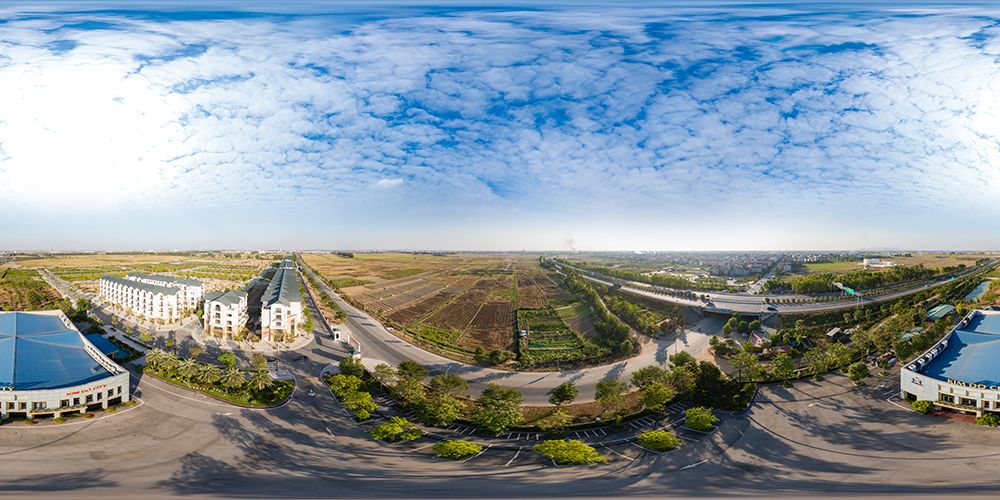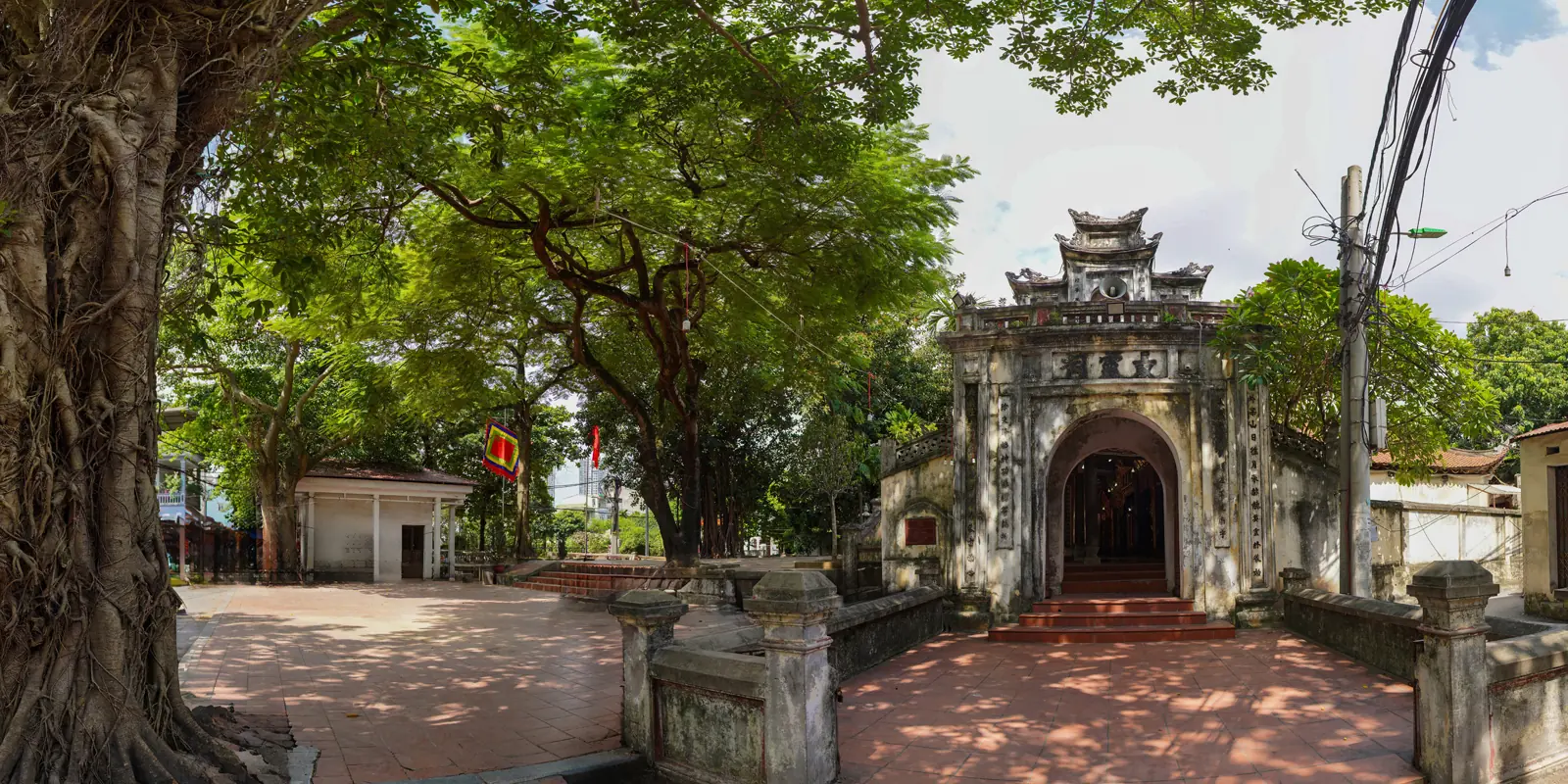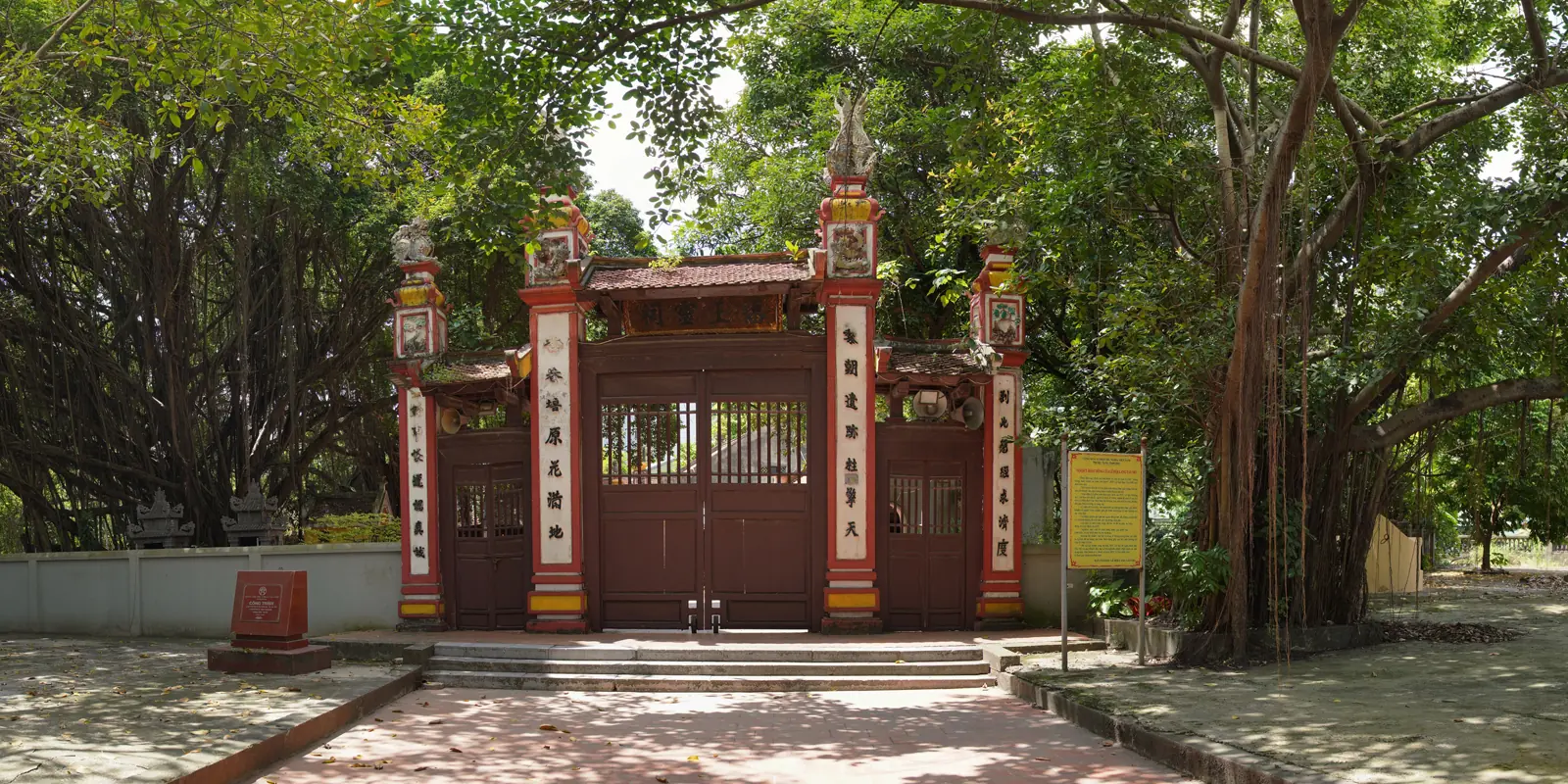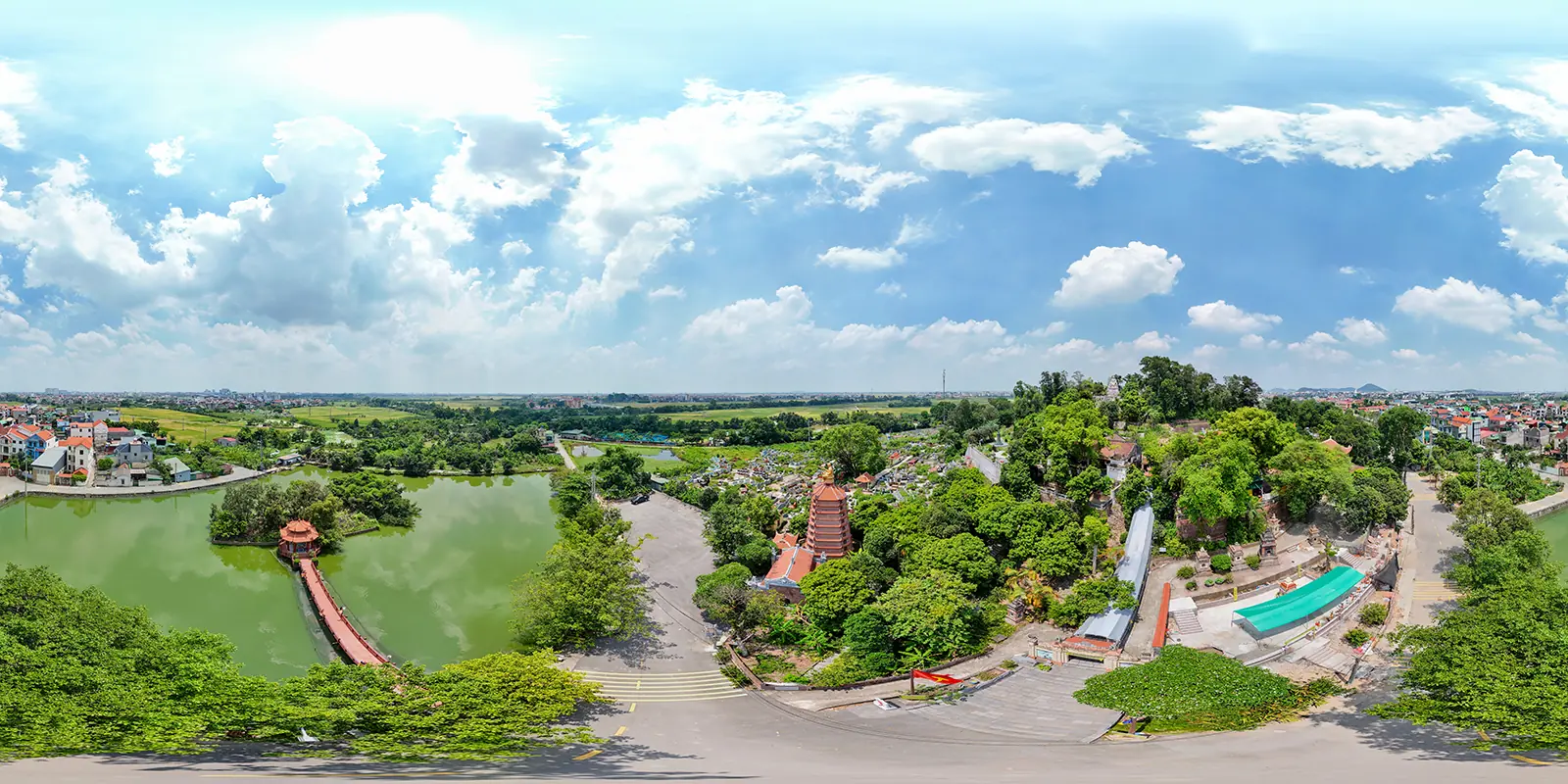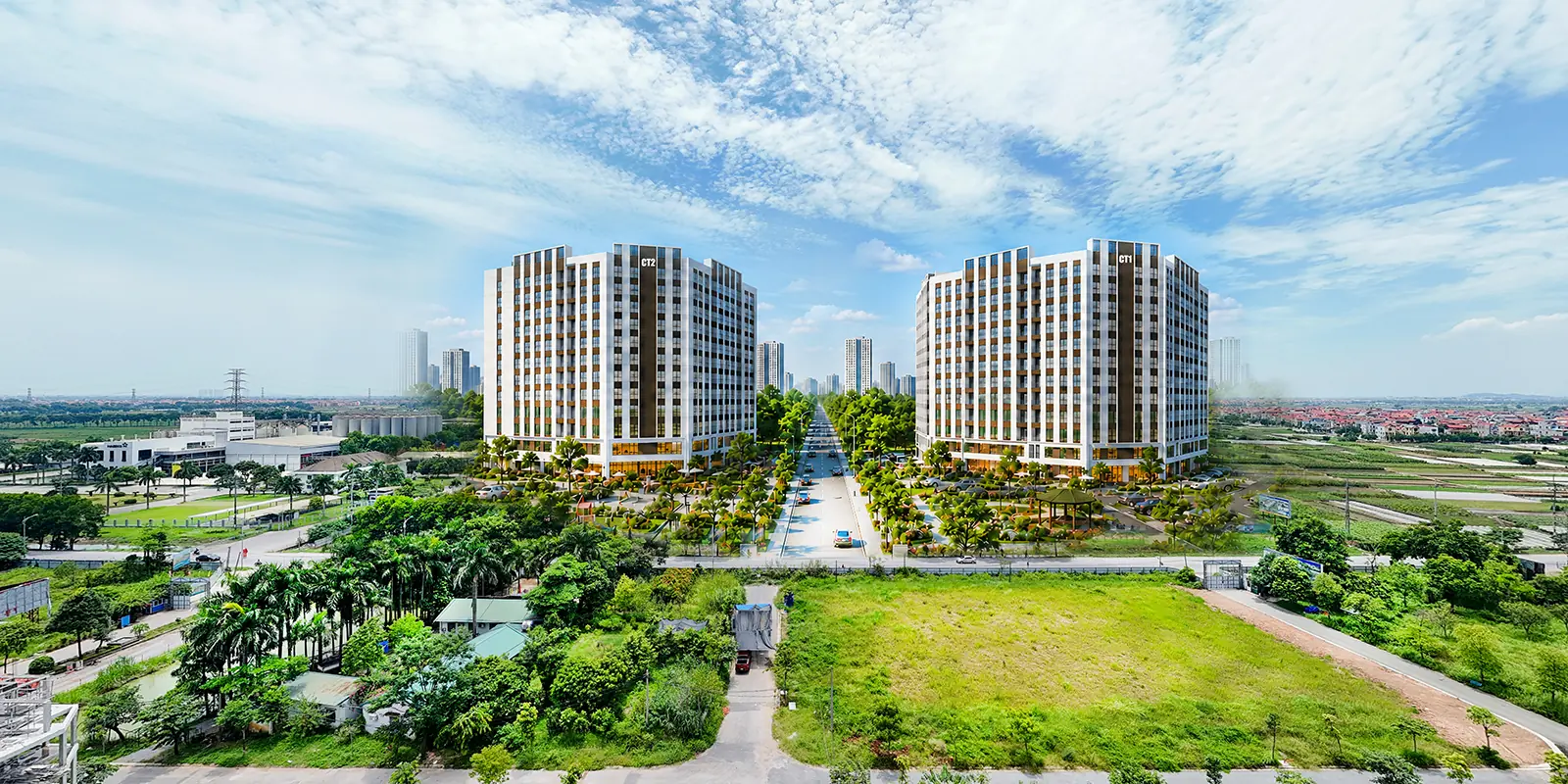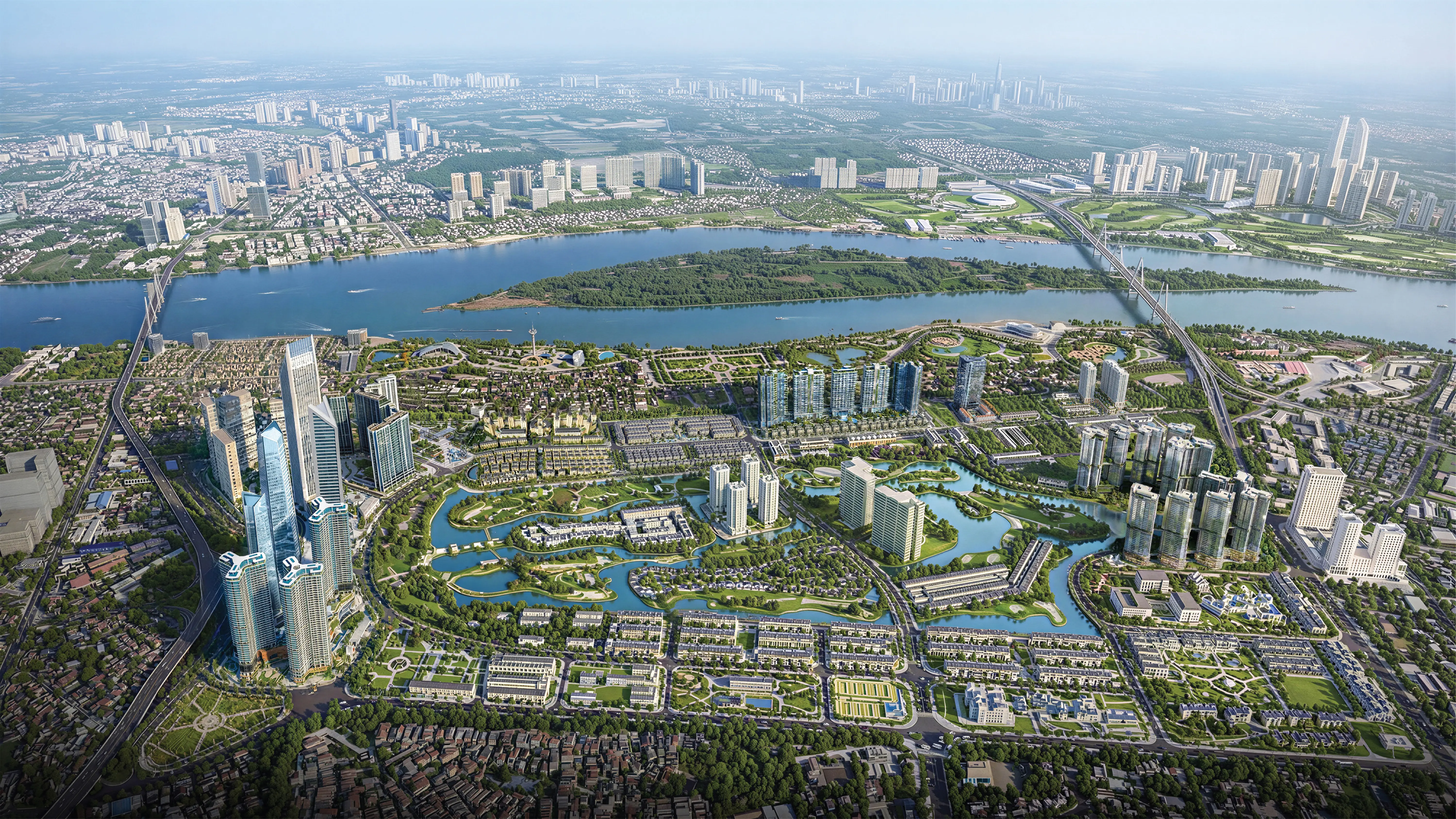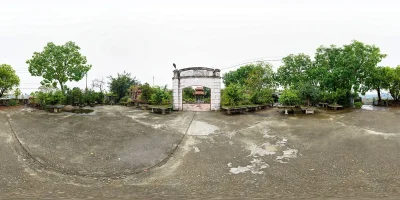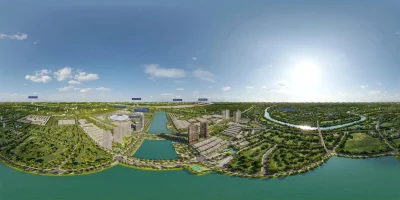



Thiết lập Autotour chậm + chuyển cảnh mượt trong Krpano, có thêm hiệu ứng zoom out → fade → zoom in giúp tour trở nên chuyên nghiệp hơn.
🎯 MỤC TIÊU:
-
✅ Tự động chuyển scene chậm (delay 10–15 giây)
-
✅ Chuyển cảnh mượt bằng hiệu ứng zoom-out & blend
-
✅ Có thể bật/tắt Autotour bằng biến
autotour_enabled
✅ KHAI BÁO BIẾN AUTOTOUR & THỜI GIAN
<var name=”autotour_enabled” value=”true” />
<var name=”autotour_delay” value=”12″ /> <!– thời gian chờ giữa các scene –>
<var name=”autotour_blendtime” value=”2.5″ /> <!– thời gian hiệu ứng chuyển cảnh –>
✅ HÀNH ĐỘNG CHUYỂN SCENE MƯỢT (ZOOM + FADE)
<action name="goto_scene_muot">

lookto(0, 0, 150, smooth(2,2,3)); <!-- zoom out -->

delayedcall(2, loadscene(%1, null, MERGE, BLEND(get(autotour_blendtime))); );

delayedcall(2.5, lookto(0, 0, 90, smooth(2,2,3)); ); <!-- zoom in sau khi chuyển -->

</action>
✅ GỌI TRONG SCENE (ví dụ 3 scene):
<scene name=”scene1″ title=”Cảnh 1″ onstart=”if(autotour_enabled, delayedcall(get(autotour_delay), call(goto_scene_muot, scene2)); );”>
<view hlookat=”0″ vlookat=”0″ fov=”90″ />
<image><cube url=”panos/scene1_%s.jpg” /></image>
</scene>
<scene name=”scene2″ title=”Cảnh 2″ onstart=”if(autotour_enabled, delayedcall(get(autotour_delay), call(goto_scene_muot, scene3)); );”>
<view hlookat=”0″ vlookat=”0″ fov=”90″ />
<image><cube url=”panos/scene2_%s.jpg” /></image>
</scene>
<scene name=”scene3″ title=”Cảnh 3″ onstart=”if(autotour_enabled, delayedcall(get(autotour_delay), call(goto_scene_muot, scene1)); );”>
<view hlookat=”0″ vlookat=”0″ fov=”90″ />
<image><cube url=”panos/scene3_%s.jpg” /></image>
</scene>
✅ BỔ SUNG: NÚT BẬT/TẮT AUTOTOUR (nếu cần)
<layer name=”autotour_toggle”
url=”skin/pause.png”
align=”righttop” x=”30″ y=”20″ scale=”0.5″
onclick=”toggle_autotour();” />
<action name=”toggle_autotour”>
if(autotour_enabled,
set(autotour_enabled, false);
set(layer[autotour_toggle].url, ‘skin/play.png’);
,
set(autotour_enabled, true);
set(layer[autotour_toggle].url, ‘skin/pause.png’);
call(continue_autotour);
);
</action>
✅ Tùy chỉnh thêm (nếu cần):
| Mong muốn | Thêm gì? |
|---|---|
| 🔁 Loop lại từ scene đầu | Gọi scene1 sau scene3 |
| ⏳ Hiệu ứng chậm hơn nữa | Tăng autotour_delay và blendtime |
| 🎵 Kết hợp âm thanh mỗi scene | Gọi playsound(...) trong onstart |
| 🧭 Điều hướng bằng menu thủ công | Dùng <layer> hoặc <hotspot> chọn scene |
Xem thêm: